Optical has a staffing problem
Ask any practice manager about their biggest challenge and staffing will be near the top of the list. Experienced opticians are hard to find, expensive to train and harder still to keep. Meanwhile, patient volume keeps climbing.
The math is simple. If an optician spends 20–30 minutes per patient on frame selection, PD measurement and order processing, your throughput is capped by the number of opticians on the floor.
What a kiosk actually does
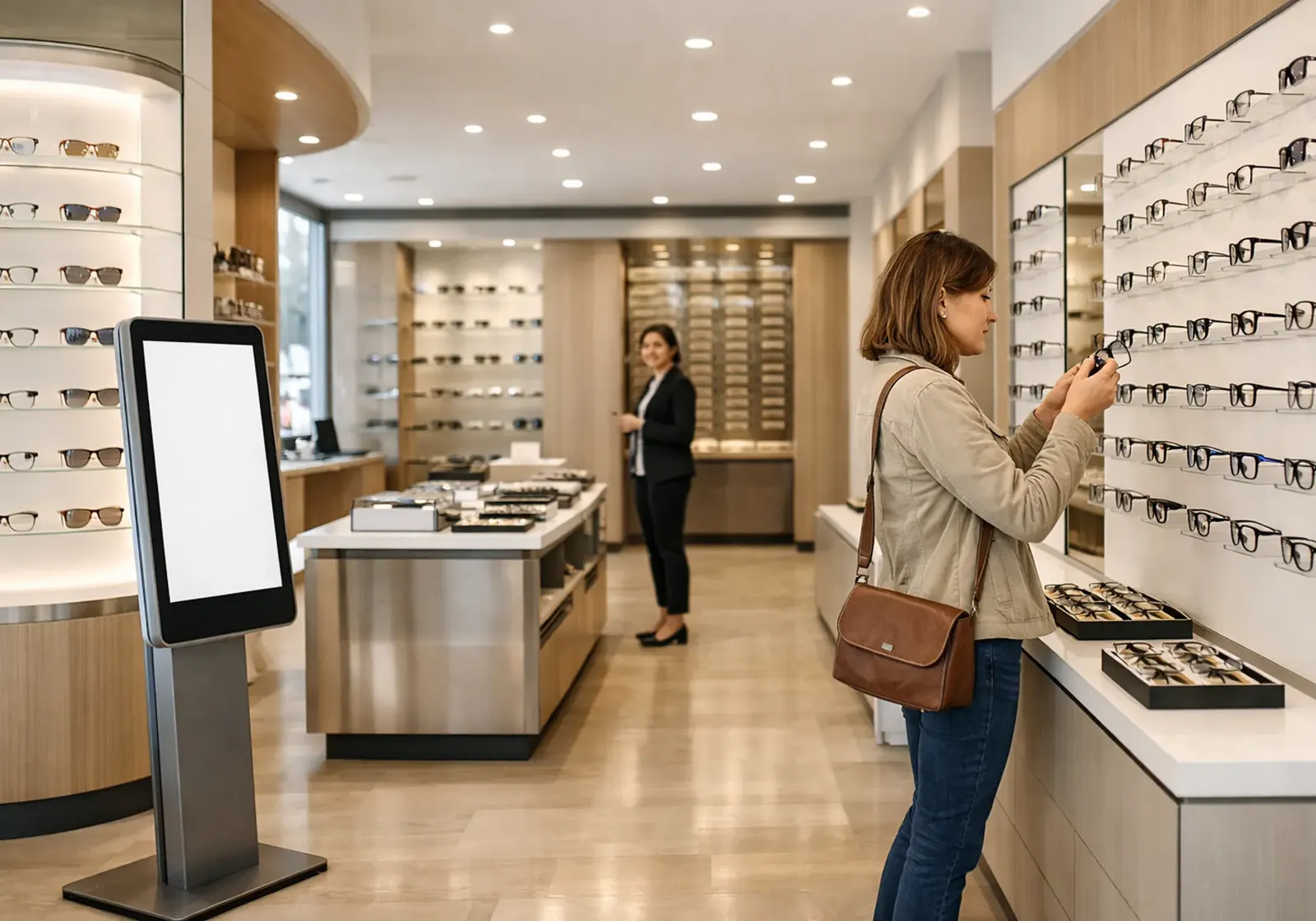
A self-service eyewear kiosk isn't a vending machine. It's a touchscreen station that walks patients through the whole eyewear purchase:
- Frame browsing — filter by style, shape, color, brand and price
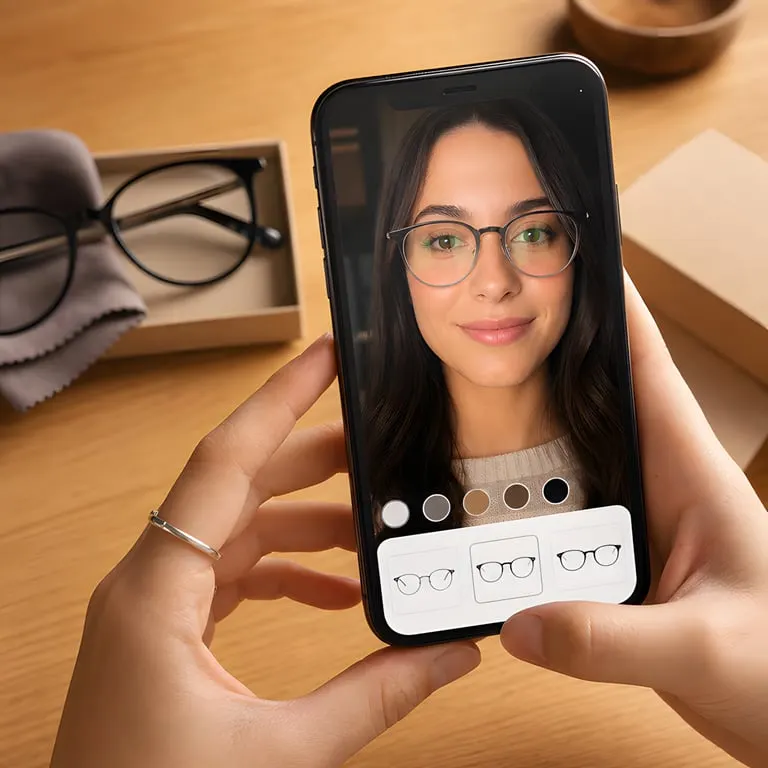
- Virtual try-on — an AR camera view shows how each frame looks on their face
- PD measurement — pupillary distance measured with the camera
- Prescription entry — upload a photo for AI extraction, or type it in
- Lens selection — a guided choice of lens packages and add-ons
- Payment — credit card, HSA/FSA or Apple Pay
For a typical patient the whole flow takes 10–15 minutes, with no staff involvement. See how it fits on your floor on our kiosk page.
When a kiosk makes sense
Kiosks don't replace opticians — they work alongside them. They fit best for:
- Routine reorders — patients who already know what they want
- Price-sensitive patients — who'd rather browse at their own pace without a sales conversation
- Busy-period overflow — when every optician is with someone, the kiosk takes the extra patients
- After-hours availability — patients can browse and order even when the dispensary is thinly staffed
What your staff still handles
Complex cases still need human expertise:
- Progressive and multifocal fittings
- Unusual prescriptions or facial geometry
- Frame adjustments and repairs
- Insurance coordination
- Patients who want personal style advice
The kiosk takes care of the 60–70% of interactions that are straightforward, so your best people are free for the cases where they make the biggest difference.
Working out the ROI
The numbers depend on your practice, but the basic model looks like this:
- Orders handled by the kiosk that would otherwise take staff time → recovered labor hours
- Orders from patients who would have walked out during busy periods → added revenue
- Longer selling hours without a longer payroll → after-hours revenue
Most practices see the kiosk pay for itself within the first quarter, through a mix of higher throughput and lower labor cost per order.
What setup really involves
Installing a kiosk isn't a months-long IT project. A typical deployment looks like this:
- A tablet or touchscreen is mounted in the dispensary.
- It's connected to your practice's frame catalog.
- It's configured with your pricing, branding and payment processor.
- Staff are trained on the admin dashboard — usually about 30 minutes.
Patients need no training; the guided flow explains itself. If someone does get stuck, any staff member can step in and help from the same screen.