Why buying glasses online is hard
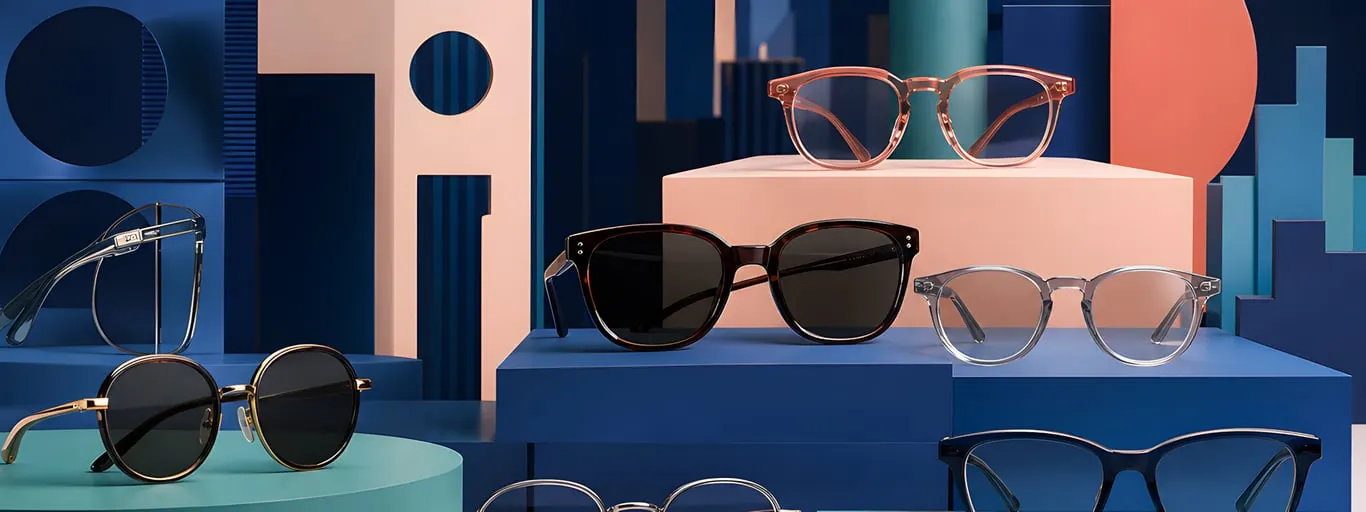
Ask people why they hesitate to buy glasses online and you'll hear one question: "How do I know they'll look good on me?" A frame on a mannequin, or lying flat on a white background, tells you almost nothing about how it will sit on your own face.
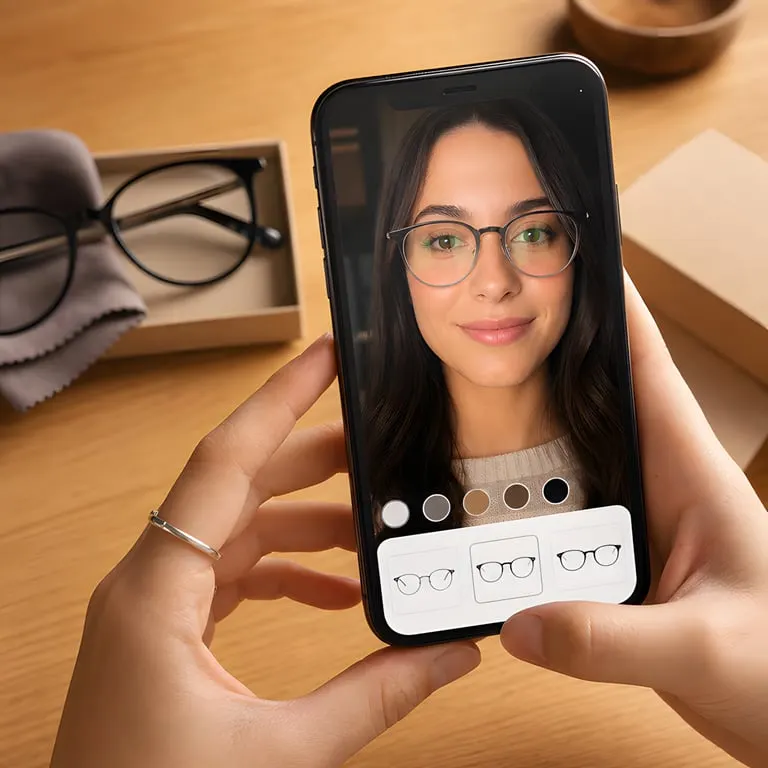
Virtual try-on answers that question by drawing a 3D model of the frame onto a live video of your face. Here's what happens behind the scenes.
Step 1 — Finding the face with MediaPipe
Every AR try-on starts with face detection: locating your face in the camera image and mapping its shape in three dimensions.
We use MediaPipe Face Mesh, Google's open-source face-tracking library. In real time it picks out 468 landmarks on the face — the bridge of the nose, the corners of the eyes, the edges of the ears, the jawline and more.
Those landmarks carry depth, not just screen position. MediaPipe estimates where each one sits in 3D space, which is what keeps a frame in the right place when you turn your head.
Step 2 — Choosing the anchor points
Most of those 468 points don't matter for eyewear. The ones that do:
- Nose bridge — where the frame's bridge rests
- Temple attachment points — where the arms meet the front of the frame
- Ear tops — where the temple tips sit
- Pupil centers — used to line up the optical centers of the lenses
From these points we calculate a transformation that moves, rotates and scales the virtual frame to match the angle of your face.
Step 3 — Rendering the frame in 3D
Each frame is a GLB file — the binary form of glTF, the web's standard 3D format. A frame model contains:
- The geometry, or shape, of the frame
- Its materials: color, transparency and reflectivity
- UV mapping so textures wrap correctly
We draw these models with React Three Fiber, a React renderer for Three.js. The frame lives in a 3D scene, and on every animation frame its position and rotation are refreshed from the latest face-tracking data.
Step 4 — Layering it over the camera
The last step is compositing. The camera feed plays as a standard video element, and the Three.js canvas sits on top of it with a transparent background.
The result is a frame that looks like it's resting on your face and follows you as you move.
Why it runs in the browser
Plenty of AR try-on tools make you download an app first. That's a big hurdle — studies show most people won't install an app just to try on glasses.
Our try-on runs entirely in the browser, using:
- WebRTC to reach the camera
- WebGL to draw in 3D
- Web Workers to run face detection away from the main thread
Nothing to download, no plugins, no app store. It works in Chrome, Safari, Firefox and Edge, on desktop, tablet and phone.
How accurate is it?
Virtual try-on has limits:
- In a 2D video, the temple arms can't wrap behind your ears
- It can't simulate how a frame feels — weight, pressure, nose-pad comfort
- Webcam quality varies a lot from device to device
Still, for the question that matters most — "Do these look good on me?" — AR try-on gives a far better answer than a product photo ever can. See it in action on our virtual try-on page.