Let shoppers see every frame on their own face.
Try-on should be more than a graphic over a camera feed. Eyebrowse makes it a guided fitting room where shoppers choose, compare, save and keep going.
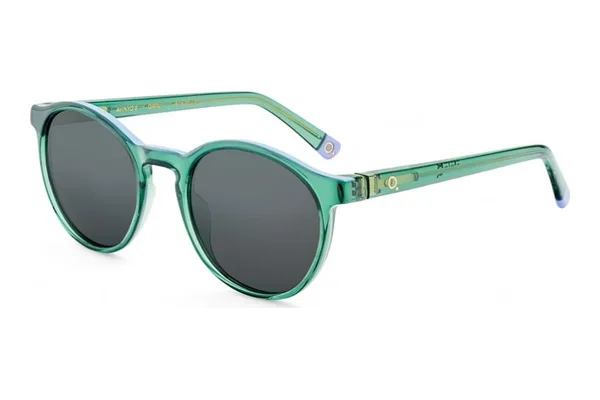 Etnia BarcelonaAvinyó 3 Sun$299Try on
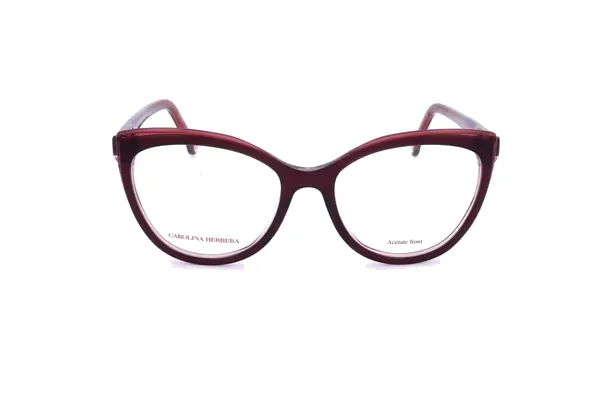 Carolina HerreraHER 0207$235Try on
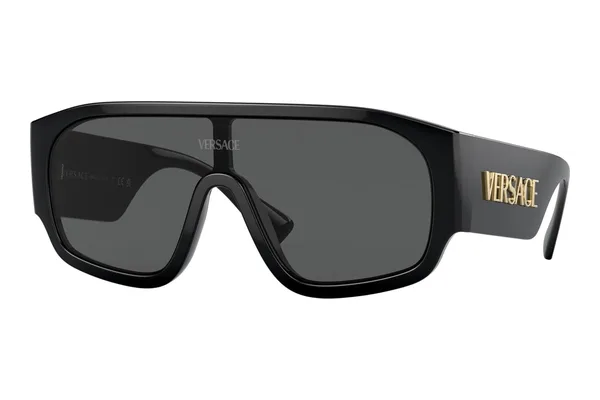 VersaceVE4439$460Try on
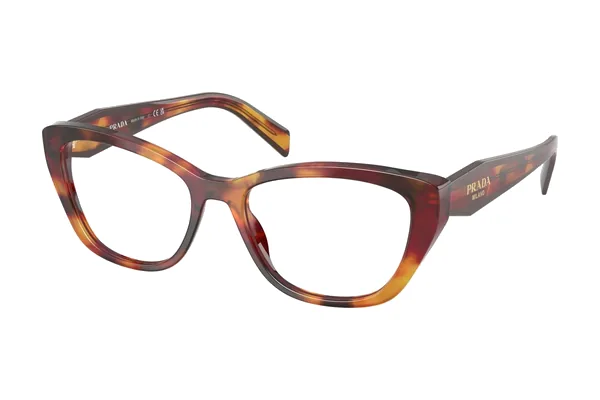 PradaPR 19WV$370Try on
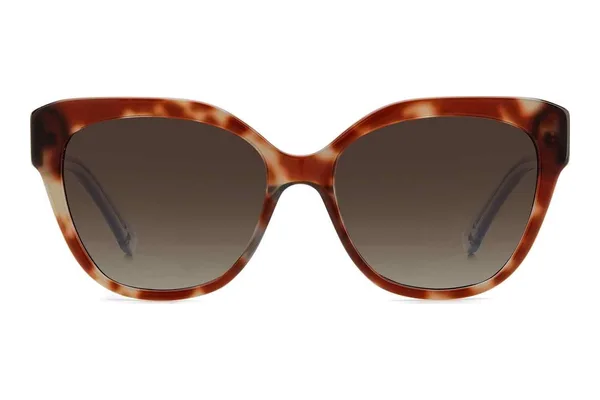 Kate SpadeSavanna$180Try on
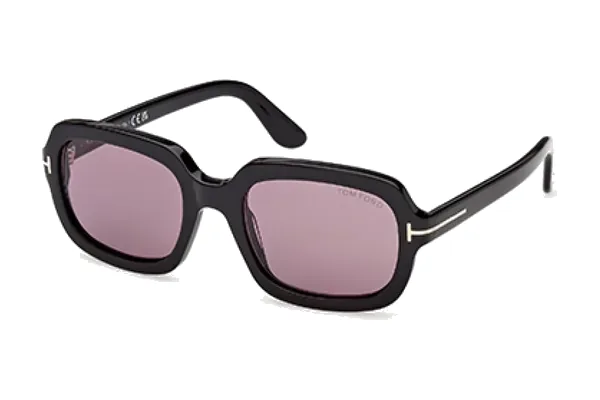 Tom FordFT1342$288Try on
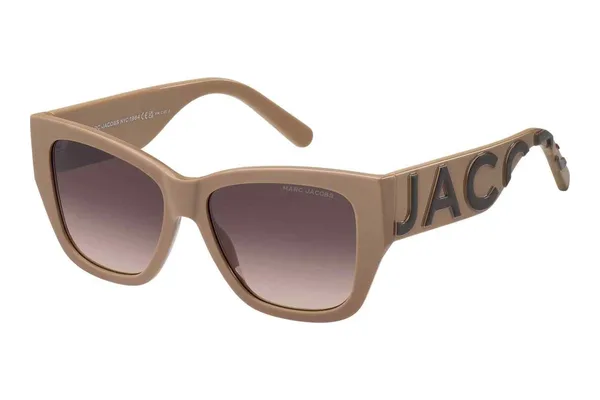 Marc JacobsMARC 695$145Try on
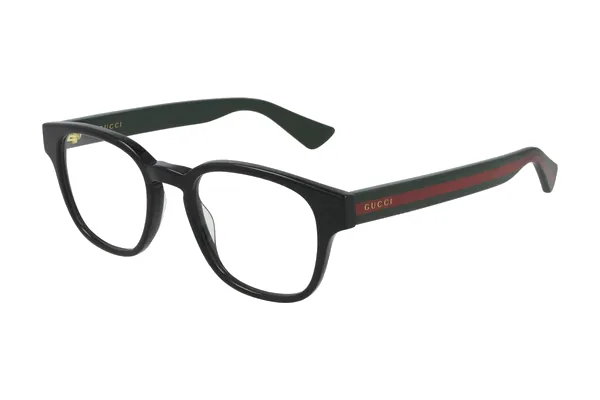 GucciGG0927O$385Try on
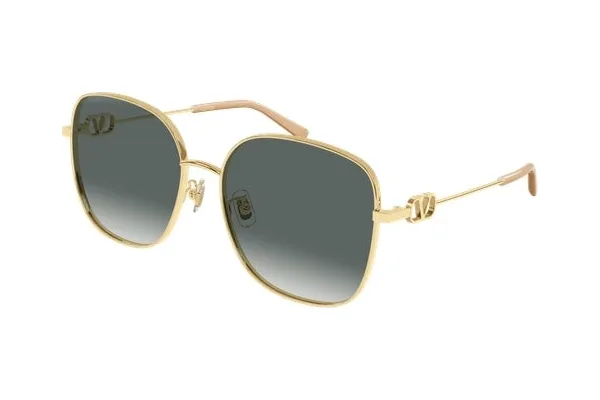 ValentinoVG0042SK$465Try on
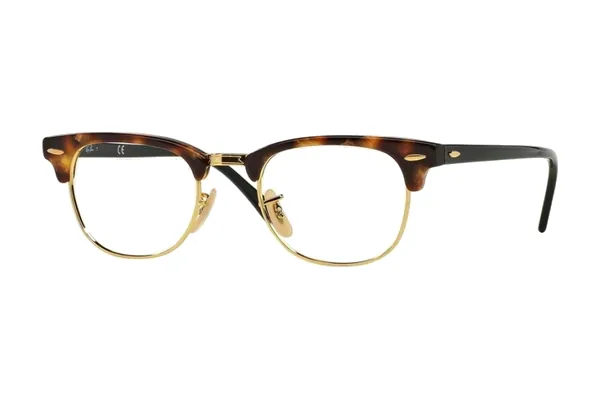 Ray-BanClubmaster RX5154$222Try on
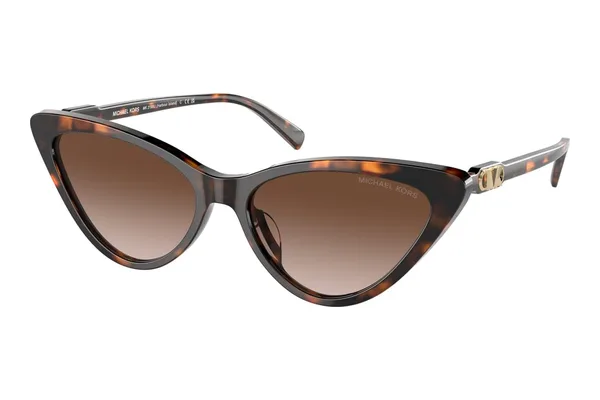 Michael KorsMK2195U$111Try on
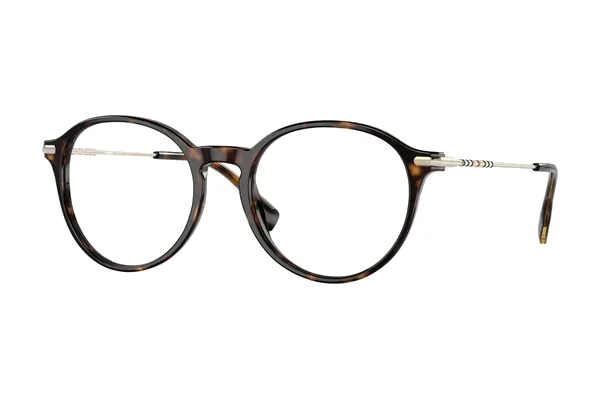 BurberryBE2365 Alisson$309Try on
- Made for comparing, not for novelty
- Ready on the kiosk — nothing for your team to install
- Flows straight into the rest of the order
One tap, and the frame is on their face.
Every frame in the catalogue opens straight into a live 3D try-on. Shoppers turn their head, swap colours and compare favourites side by side, right from the kiosk camera.
- Follows the face as it moves
- Switch colours without leaving the camera
- Save favourites and compare them later
 3D Try-On · Live
✓ Great fit
Carolina Herrera HER 0207$235 · turn your head to see every angle
Ray-Ban$222Prada$370Tom Ford$288Gucci$385
3D Try-On · Live
✓ Great fit
Carolina Herrera HER 0207$235 · turn your head to see every angle
Ray-Ban$222Prada$370Tom Ford$288Gucci$385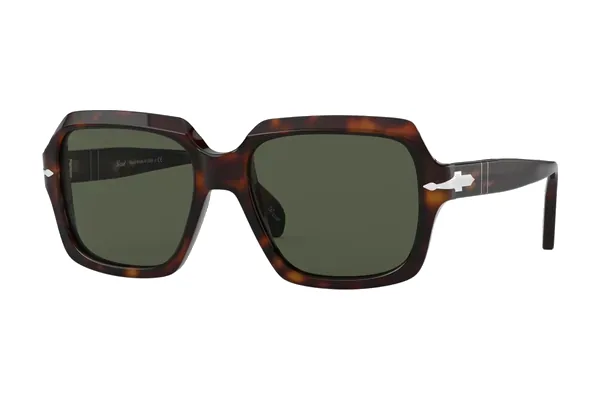 Persol$363Burberry$309
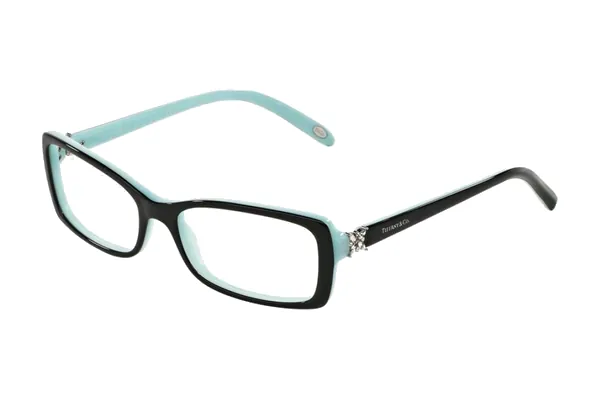 Tiffany & Co.$398
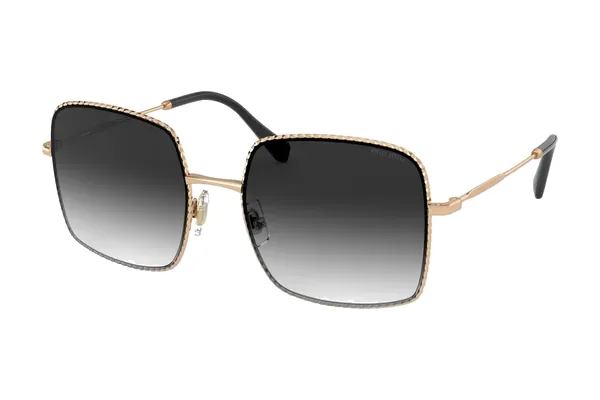 Miu Miu$405Etnia Barcelona$299Versace$460Kate Spade$180
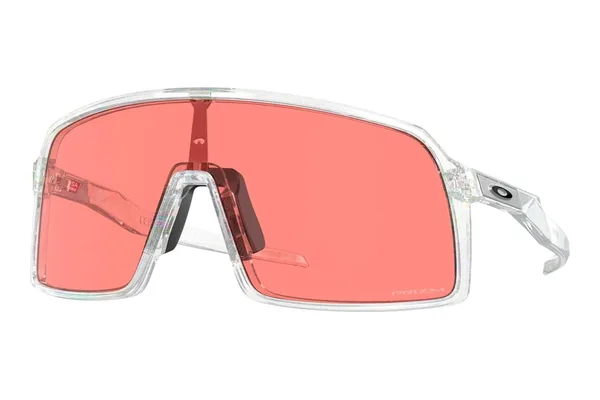 Oakley$182Carolina Herrera HER 0207$235♡ SaveTry it on
A fitting room, not a camera trick.
Everything is built around the decision the shopper is making: what feels right, what changed and what comes next.
Discover — a quick quiz narrows the wall
A short style quiz leads shoppers to a focused set of frames instead of the whole undifferentiated catalogue.
Compare — face and frame stay together
Frame, colour and size details sit next to the camera view, so comparing two frames feels like a mirror, not a menu.
Continue — the shortlist becomes the order
Saved picks move into the same guided flow used for prescription, lenses, review and fulfillment.
From camera to frame-on-face, right in the browser.
The same face tracking also reads the facial landmarks used to measure pupillary distance (PD) during prescription capture.
Camera feed
The webcam is read in the browser — the video never leaves the device.
Face tracking
Eyebrowse locks onto the face in real time.
Frame models
Production-scanned 3D frame models load from Eyebrowse’s own servers.
Fit & render
Frames are sized and anchored to the face at camera frame rate.
First-party only
Engine and assets load from Eyebrowse — no app to download, no third-party calls.
Discovery that stays connected.
The best try-on keeps context: it moves the shopper forward without turning your team into a second checkout line.
Guided frame discovery
Shape, colour and fit prompts narrow the catalogue while the shopper stays in control.
Side-by-side context
Shortlists remember what differs between options, so the comparison is deliberate.
Assisted handoff
Your team picks up from the shopper’s saved choices instead of starting the conversation over.
One continuous journey
The chosen frame stays linked to the prescription, lens, checkout and review steps that follow.
Watch the shopper journey in motion.
Frame discovery, prescription, lenses, review and confirmation — in the product tour or a live demo.