A guided eyewear shop that stands on your practice floor.
Shoppers go from the first frame they like to a paid order on their own — try-on, prescription, measurements, lenses, review, payment and confirmation — without ever losing what they picked. All while they are still in your office.
 3D Try-On · Live
✓ Great fit
Carolina Herrera HER 0207$235 · turn your head to see every angle
3D Try-On · Live
✓ Great fit
Carolina Herrera HER 0207$235 · turn your head to see every angle
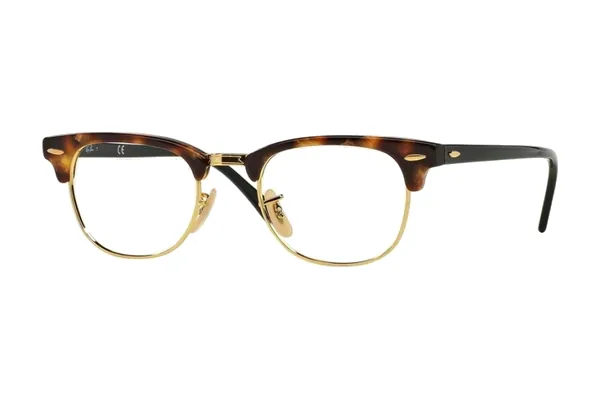 Ray-Ban$222
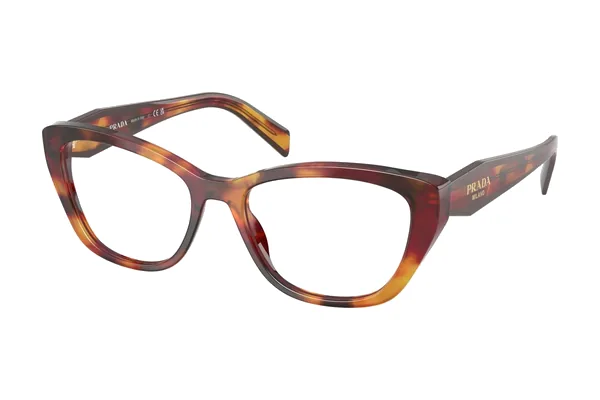 Prada$370
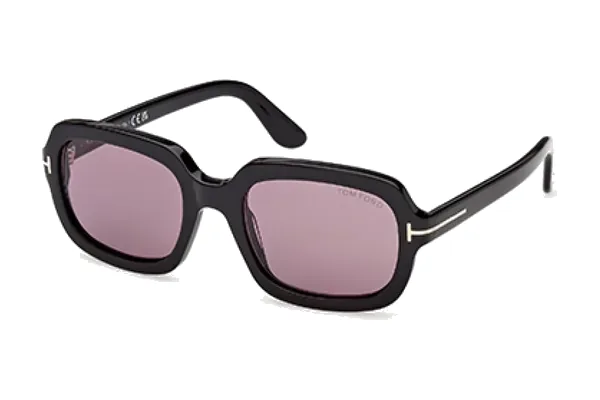 Tom Ford$288
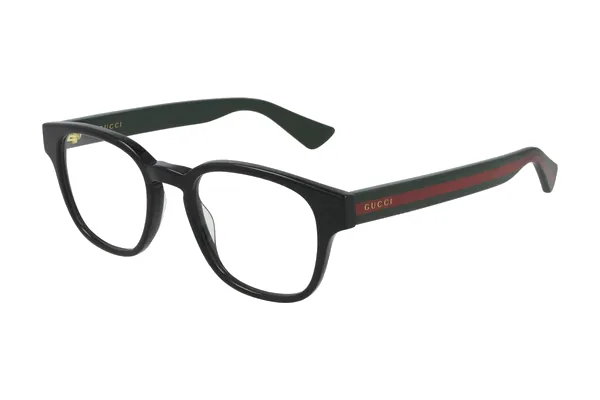 Gucci$385
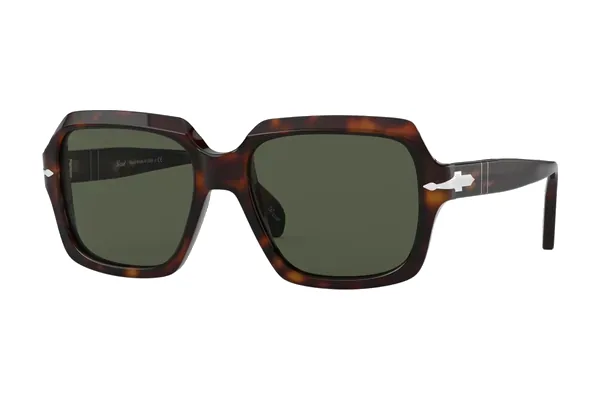 Persol$363
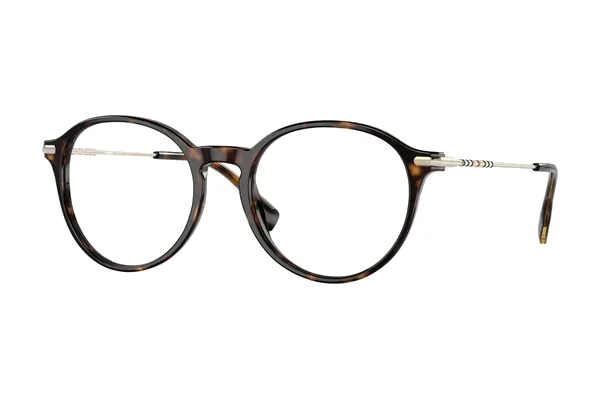 Burberry$309
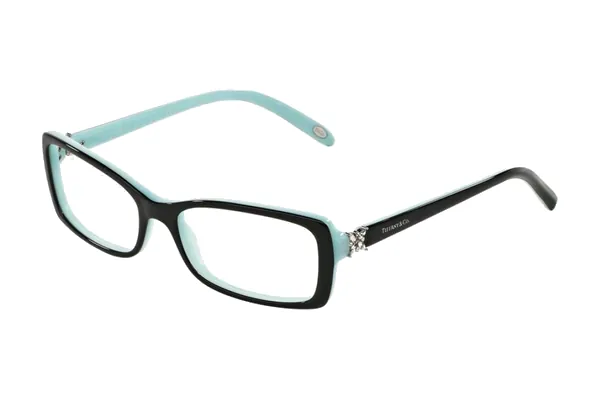 Tiffany & Co.$398
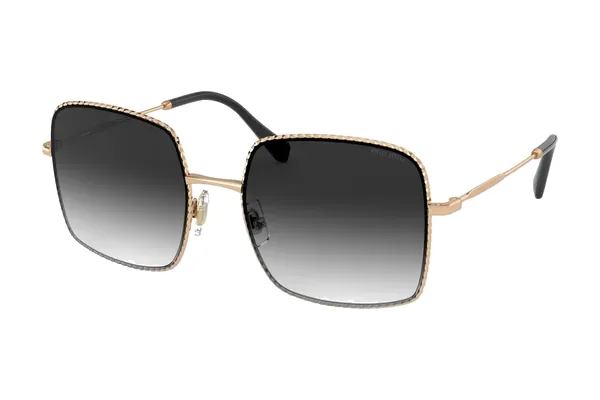 Miu Miu$405
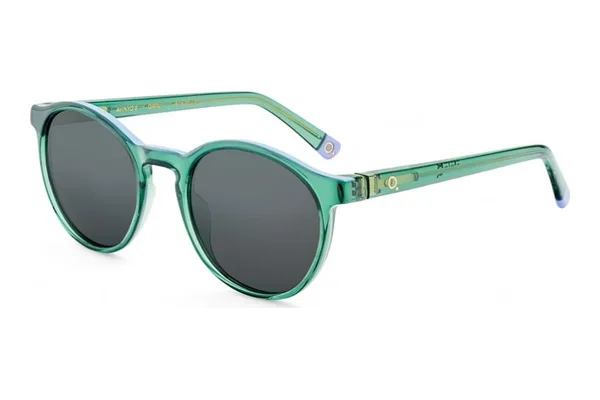 Etnia Barcelona$299
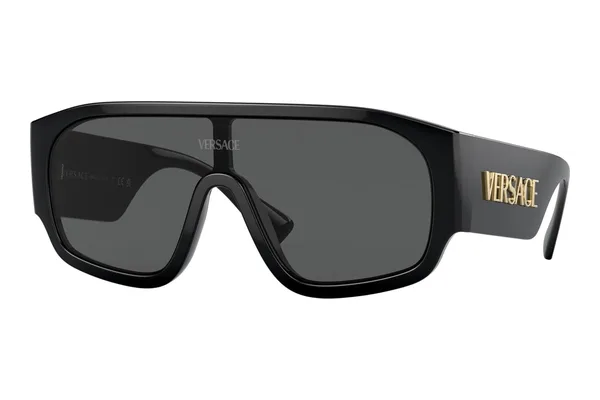 Versace$460
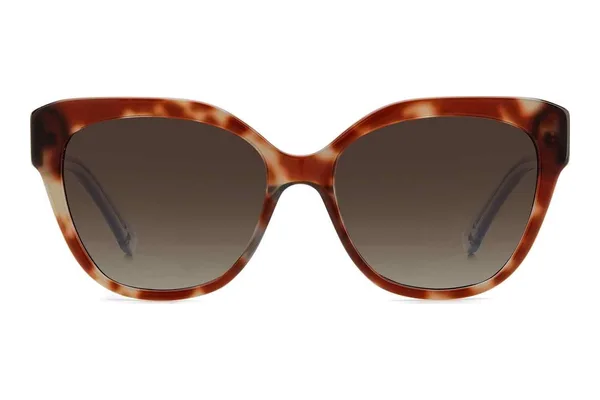 Kate Spade$180
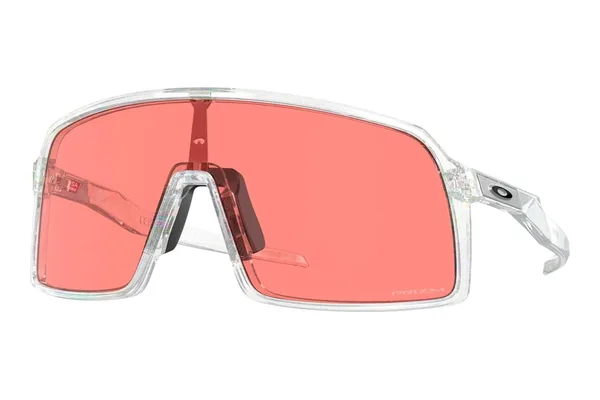 Oakley$182
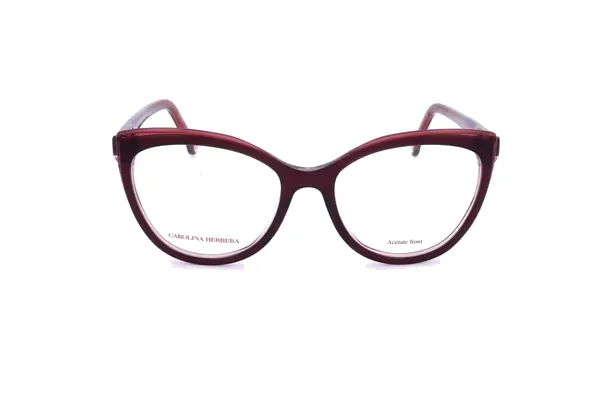 Carolina Herrera HER 0207$235♡ SaveTry it on
Eight steps, exactly as shoppers see them.
The kiosk journey runs in a fixed, easy order so nobody gets lost — and the order carries every choice forward.
- 01WelcomeDraws in the walk-up shopper
- 02Style quizNarrows the catalogue
- 03Choose a frameBrowse and try on
- 04PrescriptionCapture the optical details
- 05LensesBuild the lens package
- 06ReviewCheck the whole order
- 07PaymentPay securely
- 08ConfirmationHand off with tracking
A commission on every eligible order.
Approved practice programs earn 10% commission on eligible orders. The terms are confirmed in a written agreement, and the economics are reviewed with you before rollout.
- Placement — kiosk program
- Commerce — commission on eligible orders
- Launch — economics reviewed before rollout
Made for the hours nobody is watching it.
A busy floor means the kiosk often runs unattended. It comes with the safety nets self-service checkout really needs.
Runs as a managed device
Every kiosk is enrolled in mobile device management and locked to the guided experience. Refresh it or send it a message remotely from the practice console.
Holds orders through network drops
If the connection fails after a shopper pays, the order is encrypted on the device, queued offline and synced automatically once the network is back. A paid order is never quietly lost.
Takes payment on the spot
Card entry and digital wallets through the platform’s payment provider, with the order summary next to the payment form the whole time.
Keeps review with your team
Prescription details captured at the kiosk land in the same order record your team checks in the console — self-service intake, professional oversight.
A portrait touchscreen beside your frame board.
In a practice the kiosk runs on a portrait touchscreen next to the frames, so shoppers can move between the wall and the screen. Want to see it move? We walk through it live in every demo.
- Every step of the journey, start to finish
- Pick a frame, set a prescription, build a lens package
- Sample data — nothing to install
3D Try-On · Live
✓ Great fit
Carolina Herrera HER 0207$235 · turn your head to see every angle
Ray-Ban$222Prada$370Tom Ford$288Gucci$385Persol$363Burberry$309Tiffany & Co.$398Miu Miu$405Etnia Barcelona$299Versace$460Kate Spade$180Oakley$182Carolina Herrera HER 0207$235♡ SaveTry it onPut a kiosk on your floor.
Rollout scope and commercial terms — including kiosk placement and commission on eligible orders — are agreed with each practice.